Using Newspapers in Your Research
As I stated in last month’s blog, I will be addressing Newspapers in genealogical research. When a friend and colleague, Jean King, saw that she contacted me and asked if I could include the link to her page with all things New York with regards to newspapers. So, here is the link: https://www.newyorkgenlinks.com/newspapers-and-obituaries/ Boy, was that a great ask…her page has it all. And I do mean ALL! Jean has made a part of my job very easy. I don’t need to get all the website addresses now. What I will do is show you how to use some websites and what types of information you might find.
Now, of course, there are paid sites, such as www.Newspapers.com , www.genealogybank.com , and www.storied.com , but there are many more free sites that can usually get you what you need. That is where Jean’s links come in. After all, who wants to pay for something they can get for free?!
I am going to talk about New York City and Long Island papers since many of the people I work with have roots there. One site not listed on Jean’s website is www.livebrary.com since it is Suffolk County NY based website available for library card holders in the county (her site is not specific to Suffolk County, so she did not list a site only available to residents of Suffolk County). No matter where you are looking, you can use these examples with any newspapers you find.
When on the Livebrary website, go to Historic Newspapers to see what is available. One note, historic is a misnomer on this site. They have recent newspapers too: Newsday up to present times; New York Times up to 2017; and the Wall Street Journal up to present times, and that is just to name a few.
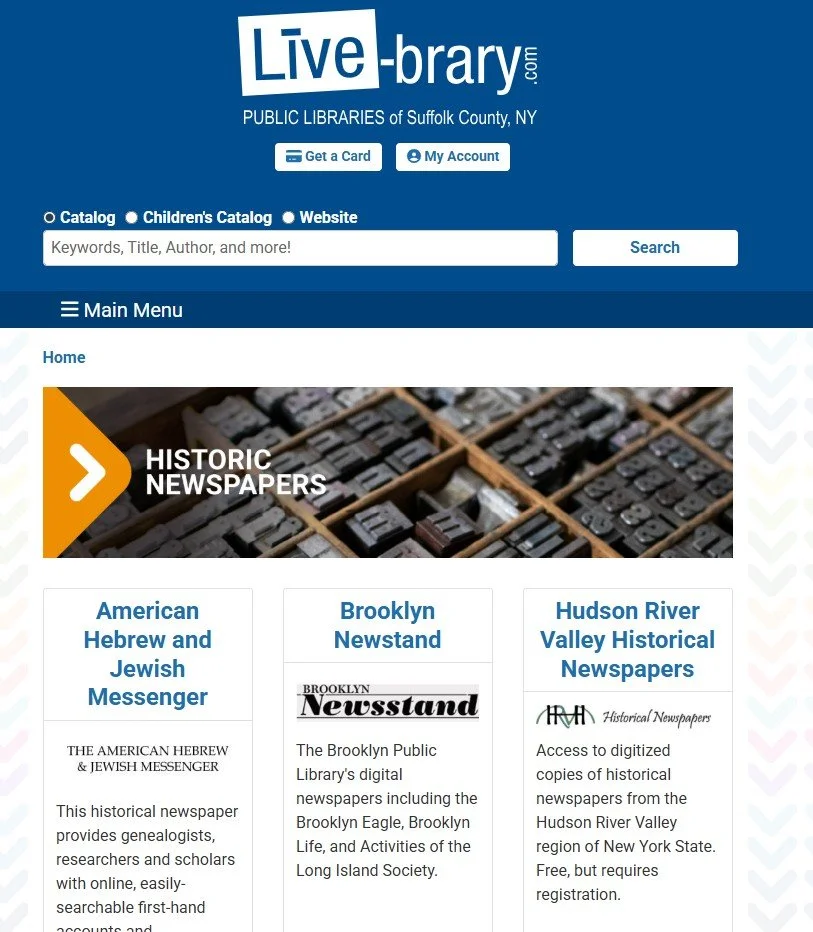
Brooklyn has its own page with the Brooklyn Eagle and a couple of other newspapers. There are over 3 million pages that have been digitized!

The best way to search is by using a name or address, using Boolean search functions. If you are not familiar with Boolean search functions, you should check them out at https://www.scribbr.com/working-with-sources/boolean-operators/ or https://www.ngsgenealogy.org/wp-content/uploads/Complimentary-NGS-Magazine-Articles/Jordan_Search_Methodologies_43_4_2017.pdf The first link is a quick guide for general searching while the second one is more detailed and specific to genealogy. In this example of searching, it is best to use the quotation function, which entails putting the name or address in quotation marks. This limits the search to looking for the exact terms in the quotation marks. Otherwise, if your search is for, say, John Smith, it will find all the John’s, Smith’s and John Smith’s. Your search would be overwhelming. By putting John Smith in quotation marks, it will only look for John Smith. Other Boolean search functions would help to leave out or add to the search terms, but I am not going to get into that in this blog (or most likely any blog for that matter!).
Here, I have done a search for August Swanberg in quotation marks. I did not bother to give a date range or location (especially since I am on the Brooklyn Public Library page and I am only interested in Brooklyn) because I wanted to see what it would find.
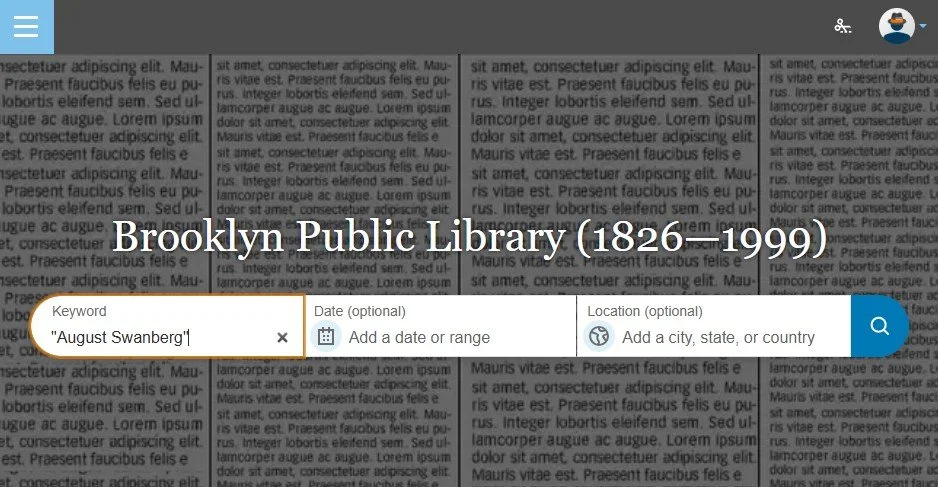
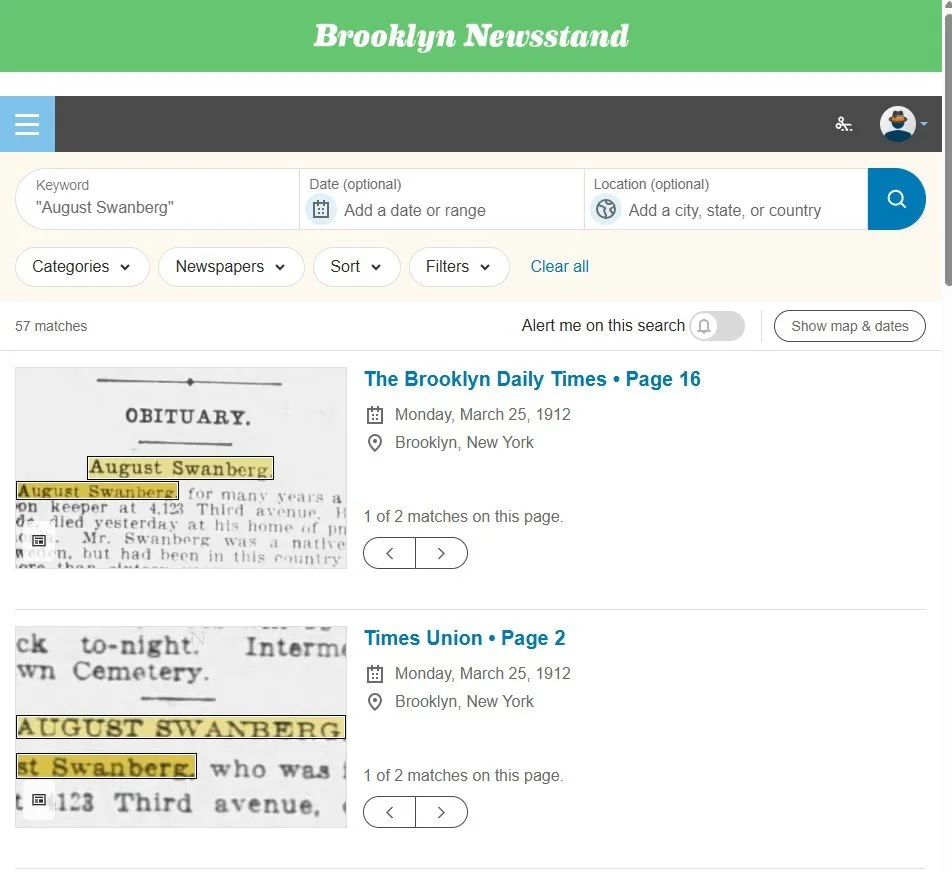
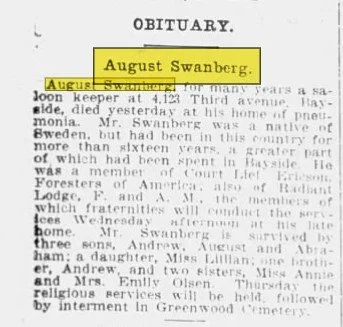
I learned that my great grandfather had been a member of three organizations, where he was buried, his children’s names, and his sisters’ names. All from a little obituary!
Now on to the Suffolk County Historic (a misnomer since I found myself in an article from the early 2000’s!) Newspapers.
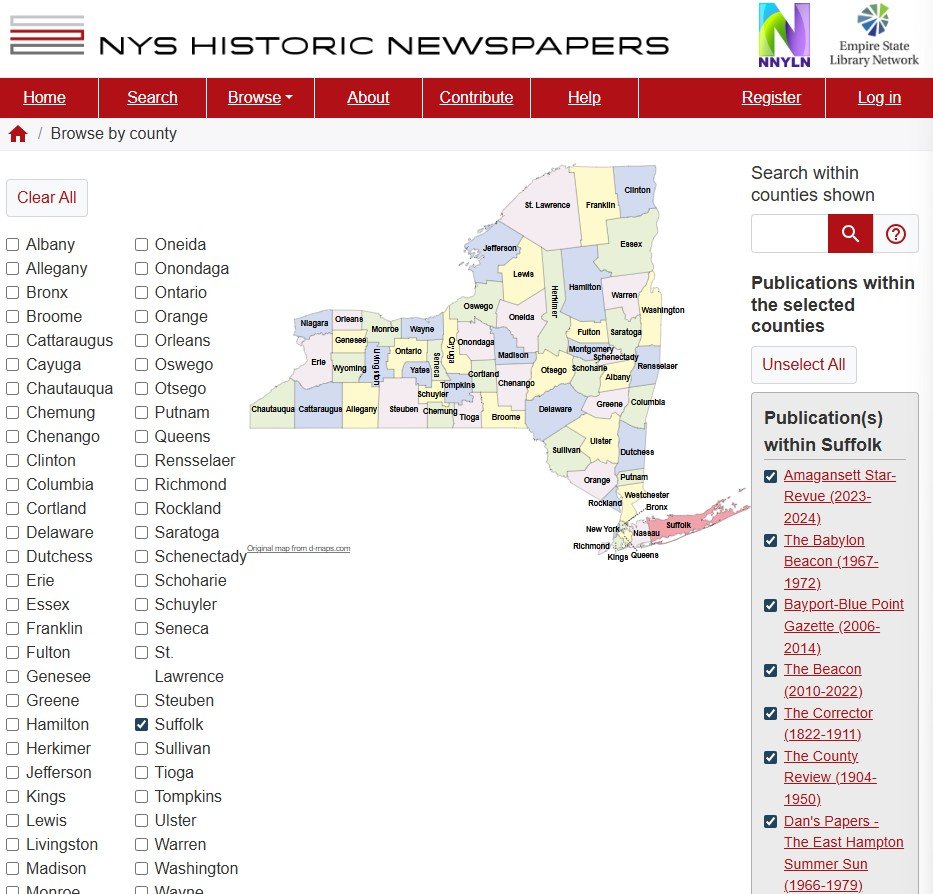
What is interesting is that it takes you to the New York State Historic Newspapers (also available on Livebrary, Historic Newspapers section). Since you went there through the Suffolk County option, it is on the Suffolk papers. However, you can see that you can search any county in New State by just clicking on that county.
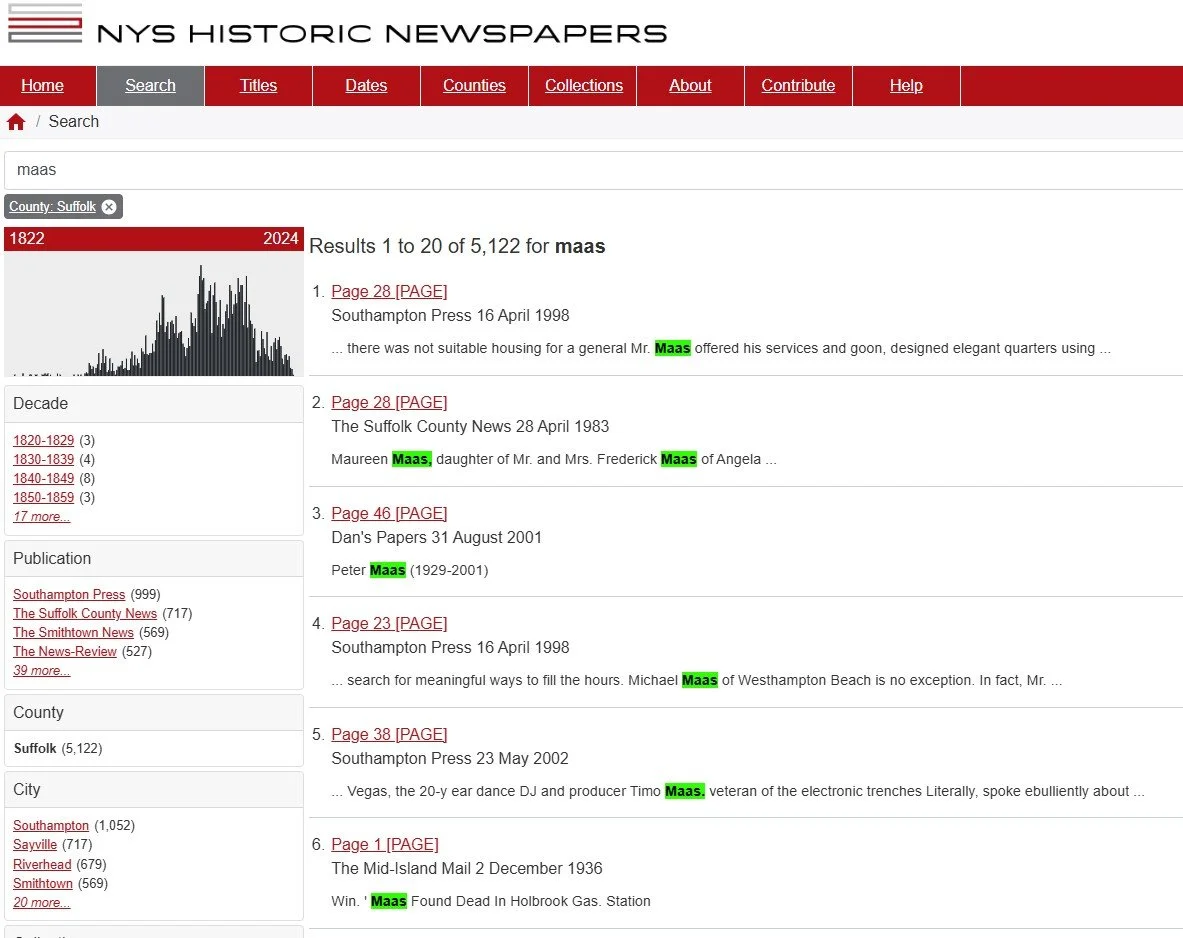
This time, I decided to just use the last name, Maas, to see what I could find. I came up with a little over 5000 results but went through the first few pages to see I found any familiar names. What popped out was the sixth entry about Maas found dead in Holbrook gas station. I had a William Maas who lived in Holbrook. So, I checked it out.
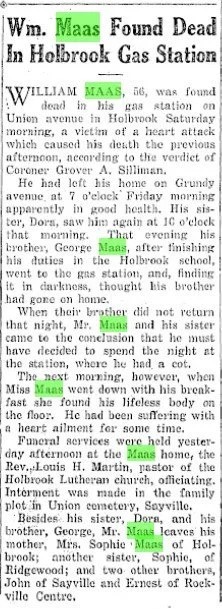
A bit sad, but he died at his business of a heart attack. It tells me the entire story of what happened, the church he attended, where he is buried, and his family members’ names.
These newspaper articles bring my ancestors to life, so to speak. They are not just names and dates. They are people who belonged to organizations, owned businesses and had families.
Using these same search techniques, you can search any newspaper for your family. If they were not in New York, check out the Chronicling American link on Jean’s webpage. Here I did a search for Nordlund in DeSmet South Dakota.
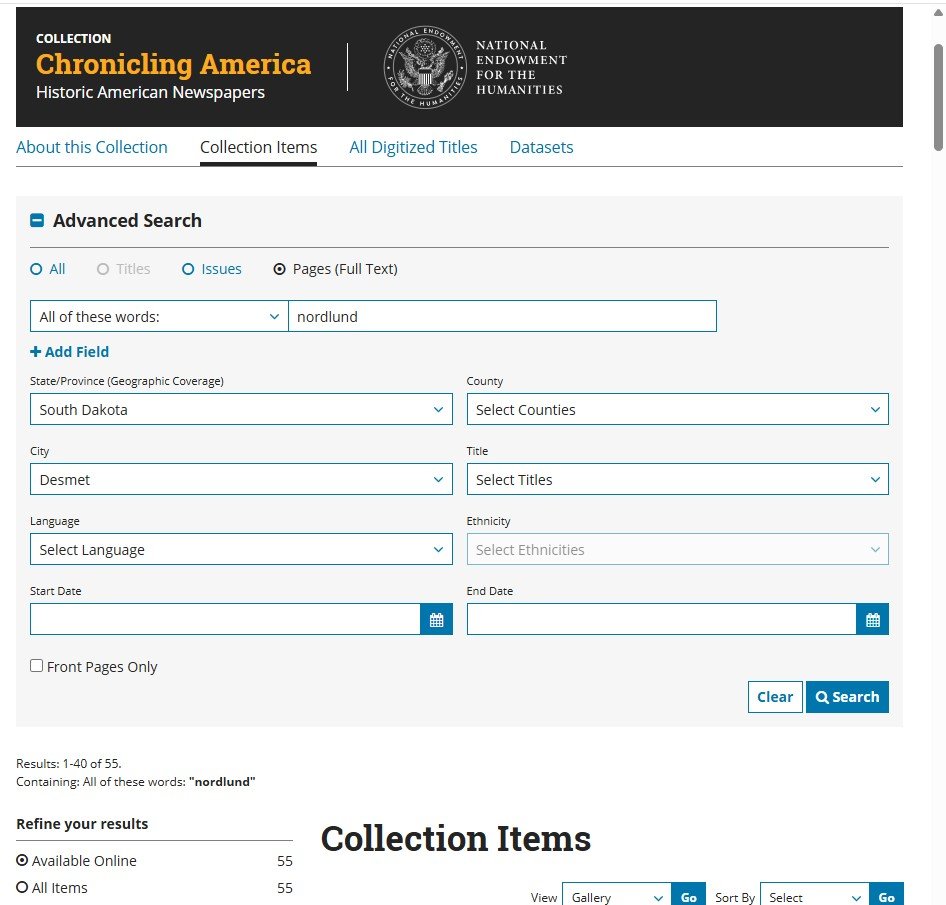
When I chose the second item, I got a Local News article. It tells me that Am. (Amadeus) Nordlund has been busy taking care of his family who had the measles, with up to 8 family members sick at one time.
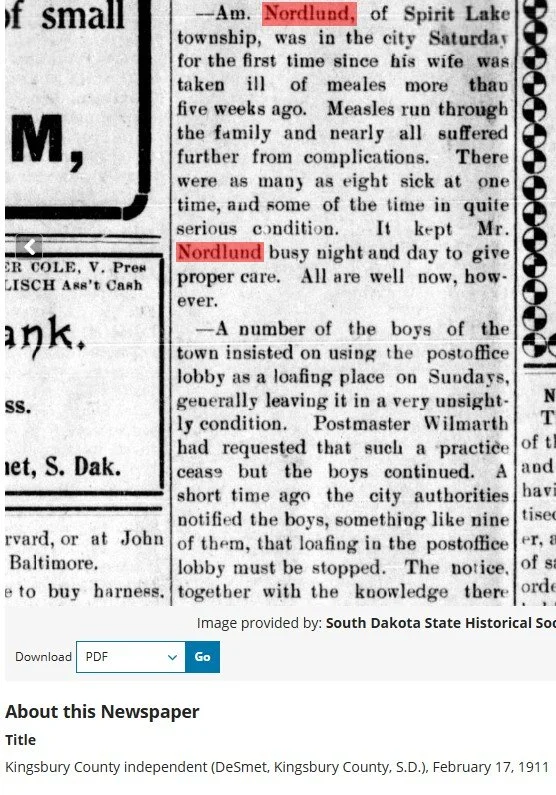
The local news sections of older papers are a gold mine to learn about the lives of our ancestors. Nowhere but here in this article would I have learned that Amadeus was taking care of 8 family members with measles!
Now you can get to work and check out newspapers to learn more about your family. Don’t forget those Boolean search functions to help narrow things down in your search. Personally, I try the broadest search first and narrow down only if needed. By doing so, I don’t miss any of those articles that OCR (optical character recognition) may mess up, or articles that list the wife as Mrs. Heinrich Maas and not Mrs. Sophie Maas. Being too narrow in searching, in this case, is a bad thing. Branch out…who knows what you can find! Just remember to always cite where you got the article should you need to go back to it at some time.